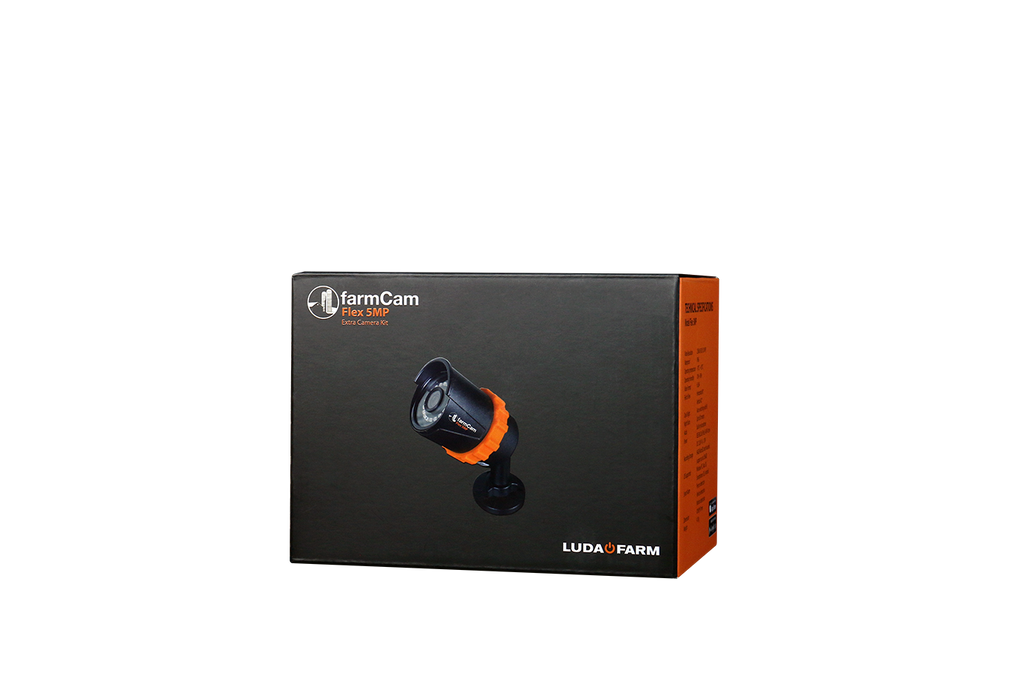
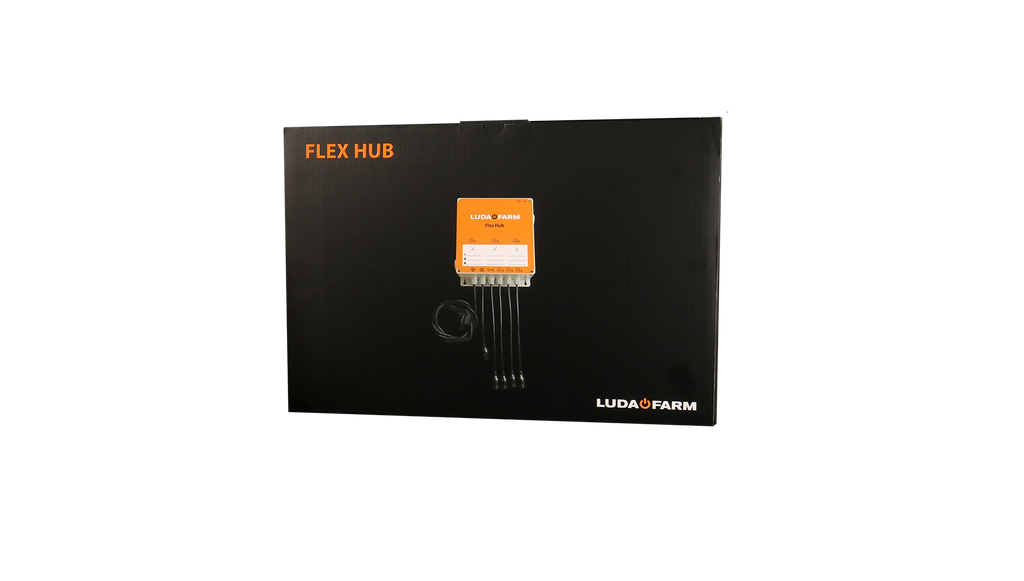
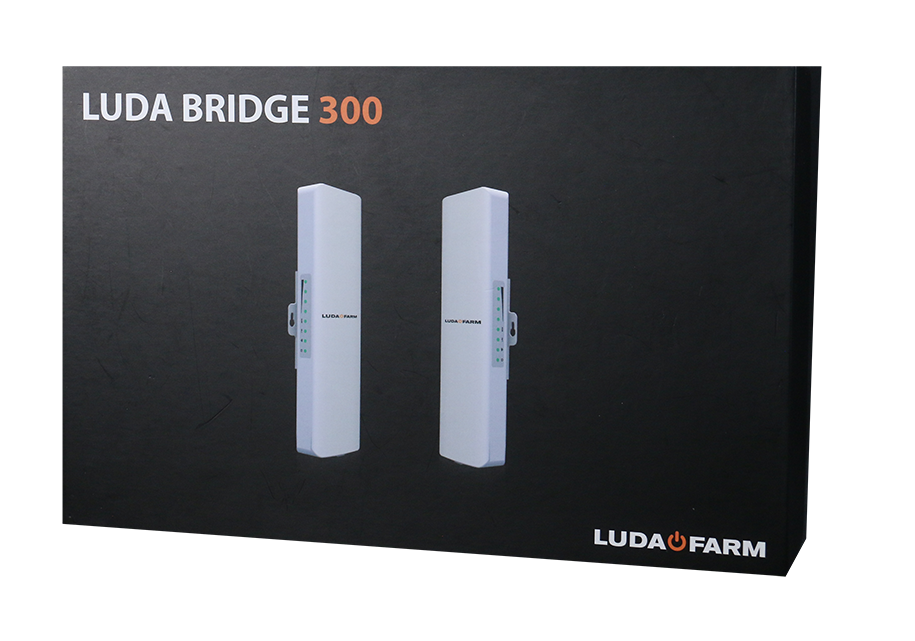
FarmCam Flex 360 Pro set
399 EUR
excluding VAT
SKU:
1147
System:
FLEX
✔︎ Engineered with simplicity in mind
✔︎ 1500 range free line of sight
✔︎ Power and internet connection in one cable
✔︎ 1500 range free line of sight
✔︎ Power and internet connection in one cable
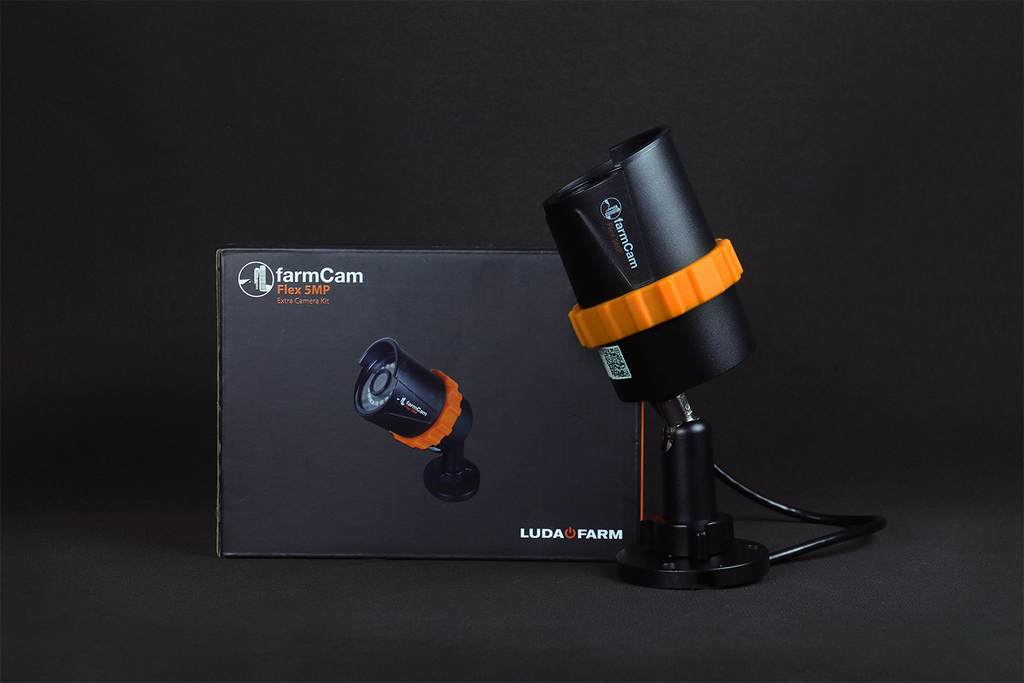
FarmCam Flex 5MP is a unique camera system and the easiest and most innovative way to monitor your farm and animals remotely.
Camera |
|
||
|---|---|---|---|
| Article number: | 1121 | ||
| IP classification: | IP66 | Recording fram rate: | Up to 30 fps |
| Video resolution: | 2560 x 1920p (5MP) | Local storage: | Max 256GB |
| Night vision: | Up to 30 meters | Micro SD card: | 64GB (included) |
| Angle of view: | 80° horizontally, 42° vertically | Power Source: | IEEE 802.3af, 48V Active |
| Audio: | Built-in microphone | Smart alarm: | Person, Vehicle & motion detection |
| Size: | Φ 186 x 67 mm | Image Sensor: | CMOS |
| Weight: | 415g | Operating temperature: | -10°C to +55°C |
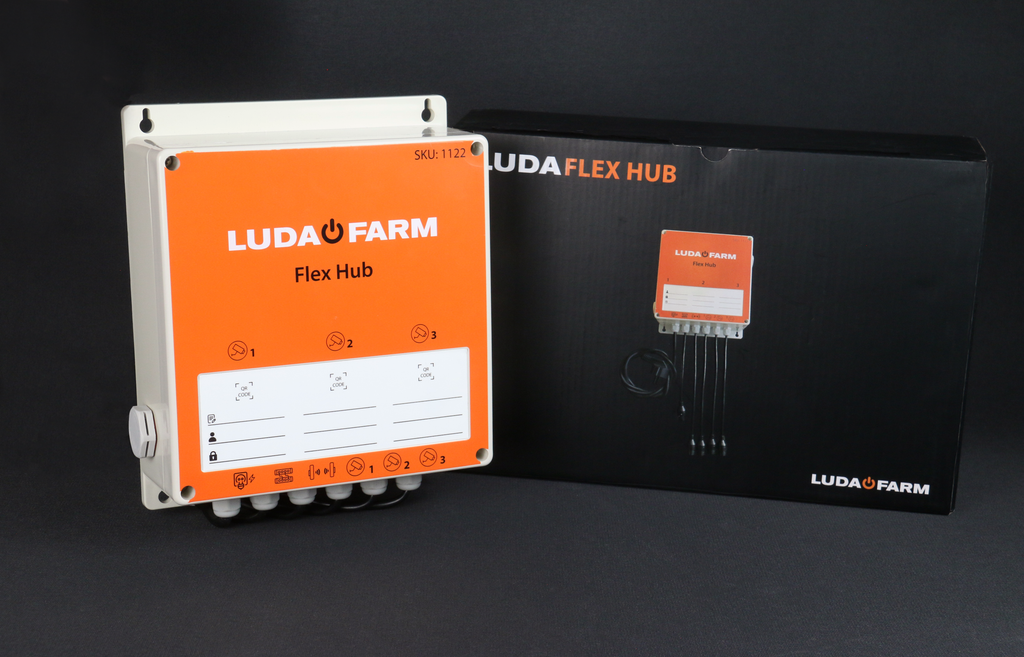
Flex Hub |
|||
|---|---|---|---|
| Article number: | 1122 | ||
| Ports: | 1 x 100 Mbps for WAN 4 x 100 Mbps for LAN |
Storage temperature: | -40°C to 85°C |
| Port power voltage: | 48V, PoE standard: IEEE 802.3AT/ IEEE 802.3AF | Power supply: | 100-240V, 50/60 Hz, Max 6.5 A |
| Max. port power: | 30 W | Power consumption idle: | 5.5W |
| LED indicator: | 5 green link/active LEDs | Size: | 288.5 x 70 x 188 |
| IP classification: | IP44 | Weight: | 1,1 kg |
| Operating temperature: | -20°C to 55°C | ||
| Storage temperature: | -40°C to 85°C | ||
*

Installation steps
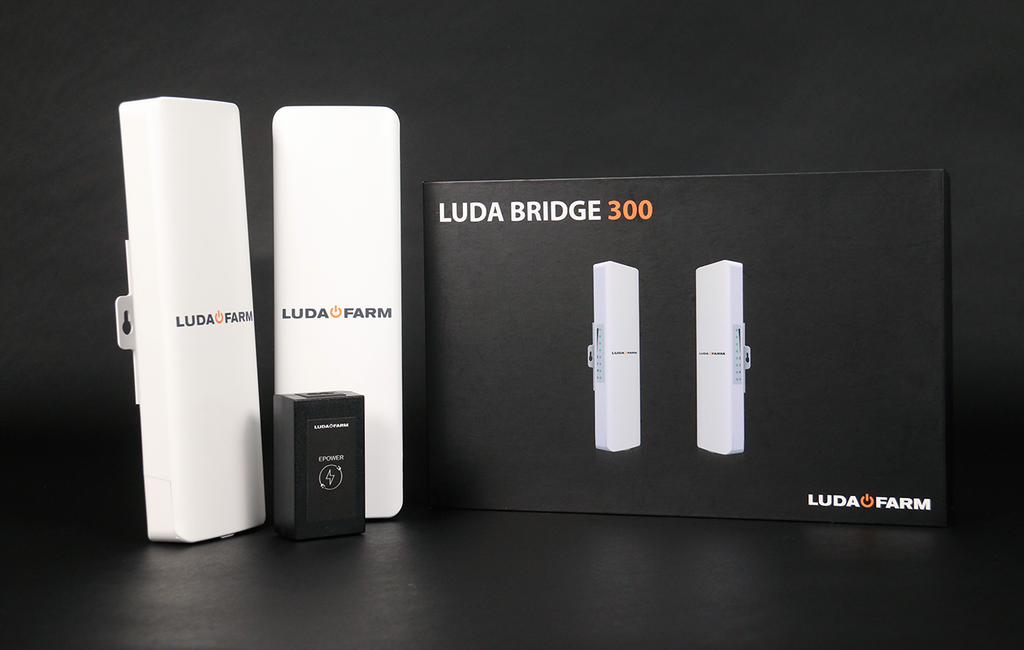
1. Mount and connect antenna number 1 to your home router using the included EPOWER adapter
2. Mount and connect antenna number 2 to the location you want to monitor
3. The wireless signal between the antennas has a transmission range of up to 1500 m with free line of sight
4. Install and connect Flex Hub with antenna number 2
5. Remove the small QR code on the camera(s) and attach it to the Flex Hub
6. Place the camera(s) around the location you want to monitor
7. Connect the camera(s) to the Flex Hub unit
8. Download the FarmCam 2.0 app from App Store or Google Play
9. To add the camera in the FarmCam 2.0 app, scan the QR code on the Flex Hub or the camera